Fast, Simple Text Tools for Everyday Work
TextToolHub is a practical collection of online text tools designed to help you format, clean, convert, and analyze text with ease. Whether you’re writing content, managing data, or fixing small text issues, our tools are built to save time and keep your workflow smooth.

Fancy Text Generator
Access the Fancy Text Generator on Tax Tool Hub to instantly create stylish, Unicode text. Copy, paste, and use your fancy text anywhere online!
Free Online Text Tools
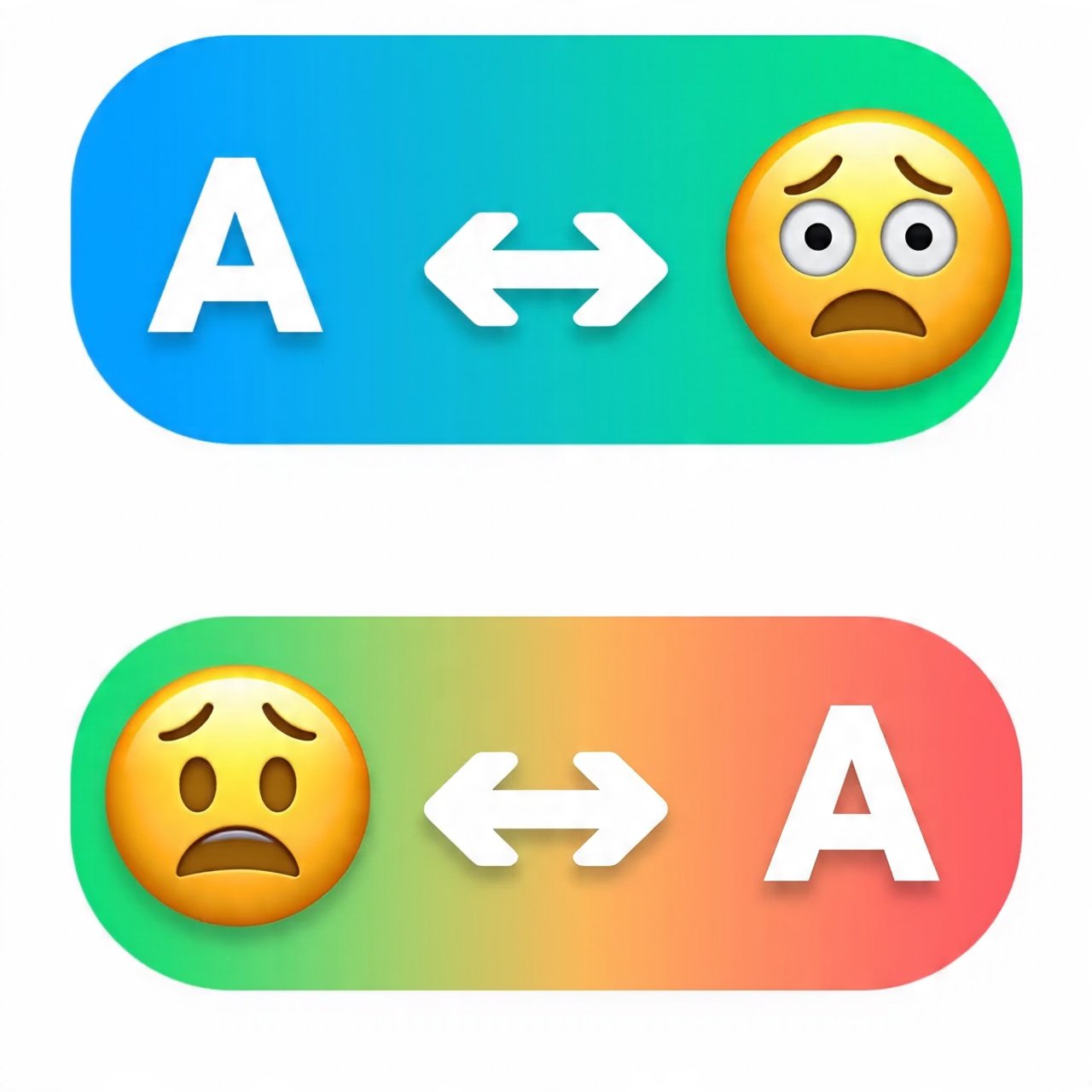
Free Online Text Tools Convert text into emojis and decode emojis back into text instantly. Supports multiple languages with fast, clean, and mobile-friendly conversion.
Tired of Switching Between Websites for Small Text Tasks?
Almost everyone who works with text has faced this problem. You need to change text case, count words, remove extra spaces, or convert a format — and suddenly you’re opening multiple websites, dealing with distractions, and wasting valuable time.
TextToolHub was created to solve this exact frustration. Instead of searching again and again, you get one reliable place where common text problems are handled quickly and clearly. The goal is simple: less effort, fewer interruptions, and better focus on your actual work.
One Place for All Essential Text Utilities
TextToolHub works like a central hub for text-related tasks. Each tool is focused on doing one job well — without unnecessary features or complicated steps. You enter your text, choose what you want to do, and get results instantly.
The platform is designed for flexibility. As new text-related needs appear, new tools can be added without changing the core structure. This keeps the website useful not just today, but long into the future.
Who Can Benefit From These Tools?
These tools are built for anyone who works with text, regardless of technical background.
Content creators and marketers can format posts, check word counts, and prepare clean copy for different platforms. Students and researchers can organize assignments, manage citations, and review text length and clarity. Developers and data handlers can convert formats, clean raw data, and prepare text for documentation. Even everyday users can quickly fix formatting issues, prepare emails, or organize lists without extra effort.
If text is part of your daily work, TextToolHub is designed to make that work easier.
Why Use TextToolHub Instead of Random Tools?
Using scattered tools across the internet often leads to inconsistency and wasted time. TextToolHub focuses on reliability, clarity, and long-term usefulness. The interface stays simple, the tools remain focused, and the experience is designed to feel familiar every time you return.
Instead of bookmarking dozens of different websites, you get a single destination that grows with your needs. Over time, this saves hours of searching and helps maintain a smoother workflow.
Types of Text Problems You Can Solve Here
The tools on TextToolHub are organized around real problems people face when working with text.
You can clean and polish text by fixing spacing, case, and duplicates. You can format and convert text for different platforms and systems. You can analyze text by checking word counts, character limits, or readability. And as the platform grows, more specialized tools will be added to handle common but often overlooked tasks.
This structure makes it easy to find what you need — even if you’re not sure which tool name to look for.
A Simple Guide to Choosing the Right Tool
Start by deciding what you want your text to look like when you’re finished. Then identify what’s stopping you from reaching that result — formatting issues, structure problems, or missing analysis. Begin with a general tool if needed, and move to more specific tools step by step.
This approach keeps you in control and avoids relying on overly complex solutions for simple problems.
Frequently Asked Questions
TextToolHub is designed to be easy to use without unnecessary barriers. Most tools can be used instantly without accounts, and the platform is built to work smoothly on desktop and mobile devices. Privacy and usability are treated as priorities, and tools are regularly reviewed to stay relevant and reliable.
Solve Text Problems Faster, All in One Place
TextToolHub exists to reduce friction in everyday digital work. Every tool is meant to replace a search, close a browser tab, and save a few minutes of your time. Whether you visit once or return regularly, the goal stays the same: simple tools that help you work better with text.